



Quick Summary
- AI-ready means data prepared for one specific job. Three workloads cover most enterprise projects: a prediction model, a document assistant and an AI agent.
- Only 14% of organizations report their data fully ready for AI. The usual cause is a model dataset handed to a RAG pipeline or an agent.
- Steps 1 through 4 carry over to your next project. Redo Steps 5 through 7 per workload, with a feature store for ML and a vector store for RAG.
- Plan weeks for one well-defined use case. Check ML labels by hand on a sample of 200 records, and test RAG search with 50 questions before you tune prompts.
- Stop when the checklist is done. You are over-investing if you build a feature store and a vector store before you have one working use case for either
This article continues our series on AI-ready data, where we covered what AI-ready data is, the five attributes that decide it, and how to score your data against a use case. Here we go into execution and show how to make your data AI-ready, step by step, for the workload you are building.
Making your data AI-ready means bringing it to a state where a specific AI workload can use it safely and produce a result you can trust.
The problem we see most often in enterprise data teams is that they prepare data “in general.” They have a lakehouse and a catalog, the data passes every quality check, and the first project still stalls because a dataset ready for a model gets handed to a RAG pipeline or an agent that needs something else.
This mismatch shows up in the numbers as only about 14% of organizations report that their data is fully ready for AI.
That is why we wrote this playbook.
It walks through seven steps, from the first use case to production monitoring. Each step branches by workload (ML, RAG, agents) and ends with the concrete artifact you should have in hand when the step is complete.
By the end of this article, you will know in what order to do the work, what you should have at the end of every step, and when to stop polishing and ship.
What “AI-Ready” Means for Your Workload
AI-ready data is data prepared for the specific job an AI system has to do. Three kinds of jobs cover most enterprise projects, and each one needs different preparation.
A prediction model (classic ML) learns from your records to forecast what happens next, such as which customers will stop buying. It needs history that covers every situation the model will meet, correct labels for what really happened, and field definitions that stayed the same over the years.
A document assistant (RAG) answers questions by searching your documents first and building the answer from what it finds. It needs documents converted into readable text, split into pieces an AI can search, tagged with their source and date, and with the outdated versions removed.
An AI agent goes further and takes actions on its own, such as issuing a refund or updating an order. It needs live access to current records, safe ways to perform each action, and a record of what it read and did.
| Workload | What “Ready” Requires | What Breaks When It Is Missing |
| Prediction models (ML) | Labels, representative history, stable feature definitions | Model learns from gaps and mixed definitions |
| Document assistants (RAG) | Extracted text, chunking, embeddings, document permissions, current versions | Confident answers from stale or unauthorized documents |
| AI agents | Live access through APIs, freshness guarantees, safe actions, audit trail | Wrong action on a stale record, nobody can trace it |
Once you know which of the three you are building, follow these seven steps to make your data AI-ready for it:
- Start from the use case and work backward.
- Inventory every source, including unstructured data.
- Fix quality on the dimensions AI depends on.
- Add business context with metadata and semantics.
- Prepare and structure data for the workload.
- Govern, secure, and control access at query time.
- Automate validation, monitoring, and drift detection.
Let’s discuss each step in detail: what to do, how the work differs for ML models, RAG assistants, and AI agents, and what you should have when the step is complete.
Step 1 – Define the Use Case
Pick one AI use case and write down what it needs from the data. For example, “predict which orders will be returned within 30 days” needs two years of order history with return outcomes, refreshed daily, covering every product category and region.
That one sentence already tells you which tables to prepare, how fresh they must be, and how complete, so you fix only what this project depends on instead of the entire warehouse.
Now write down the answers to five simple questions:
- What does the AI produce? A forecast, an answer to a question, or an action like updating an order.
- Who uses it? A person, another system, or both.
- How wrong can it be? A forecast off by 5% may be fine, but a wrong refund is a problem.
- How fresh must the data be? Last month, last night, or right now.
- What must the data cover? All regions, all product types, all seasons.
The answers depend on what you are building:
- Prediction model (ML). Say exactly what you are predicting and where the true answers come from. If nobody records which orders came back, the model has nothing to learn from.
- Document assistant (RAG). List the questions people will ask and the documents with the correct answers.
- AI agent. List every action the agent can take and every system it will touch.
Output of Step 1:
One page with the answers above. Every next step uses this page, so keep it short and keep it updated.
Step 2 – Inventory Your Data Sources
Find every place your use case data lives, and write down who owns it. In practice, the same customer sits in the CRM, the billing system, and the support tool, and each system stores it a bit differently.
Go through the use case spec from Step 1 and list every source it needs. Include the unstructured data too: contracts, tickets, wikis, emails, call transcripts. A RAG assistant depends on them more than on any table.
For each source, record six things:
| What to Record | Why It Matters |
| Source system | Where the data physically lives |
| Owner | The one person who can answer questions about it |
| Format | Table, document, PDF, image, audio |
| Sensitivity | Personal data, financial data, or public |
| Refresh cadence | How often new data arrives |
| Copies | Where duplicates of this data exist |
The last row matters more than it looks. Enterprise data almost always exists in several copies, and nobody knows which one is current.
What to watch for, depending on what you are building:
- Prediction model (ML). Check how far back the history goes and whether the fields changed meaning at some point. A column that switched from “net” to “gross” in 2023 will confuse the model.
- Document assistant (RAG). Look for duplicates, old versions, and drafts. Five versions of the same policy in one folder is the number one reason assistants give wrong answers.
- AI agent. Find out which systems the agent can read from and write to, and whether they have an API or only a user interface.
When we built a unified data platform for one of our clients, this inventory was the first deliverable, because it showed which sources to connect first and which ones nobody needed.
Output of Step 2:
A list of every source with an owner, a format, a sensitivity level, and a refresh cadence. If a source has no owner, find one before you move on.
Step 3 – Fix Data Quality for Your Workload
Fix only the quality problems that will hurt your AI.
Four problems hurt AI the most:
| Problem | What It Does to the AI | How to Check |
| Missing situations | AI never learned the case it now faces | Count records per segment, region, season |
| Wrong labels | Model learns from wrong answers | Sample 200 records, check by hand |
| Duplicates and conflicts | Two versions of the truth, AI picks one | Search for the same entity in several places |
| Leakage | Model sees the answer during training | Check no field is known only after the outcome |
Teams most often miss the first row. A dataset can be 95% complete overall and still lack 40% of the records in the one customer segment your model most needs to get right. Overall completeness hides that gap. Count the records per segment, and you will see it.
What to fix, depending on what you are building:
- Prediction model (ML). Check the labels first. If 5–10% of your labels are wrong, the model will fail on exactly the hard cases you built it for. Then make sure every season, region, and product type has enough examples.
- Document assistant (RAG). Open the text you extracted from your documents and read it. Scanned PDFs with broken OCR, tables turned into word soup, and documents that contradict each other cause most wrong answers. Remove old versions and drafts.
- AI agent. Check the records the agent will act on. If the system shows the wrong stock level, the agent will promise a delivery you cannot make.
We explain why accurate data can still mislead AI in a separate article.
Output of Step 3:
A short list of quality checks with a pass mark for each one, for example “every region has at least 1,000 records” or “label error rate under 3%.” You will run these same checks automatically in Step 7.
Step 4 – Document What the Data Means
Write down what every field, value, and document means, in a place where people and AI systems can read it. This is the step teams most often want to skip, and in our client work it is where most of the preparation effort goes.
Here is why it matters. Your analyst sees a column called status with the value 3 and knows from experience that it means “shipped.” An AI system sees the number 3 and nothing else, so that it will build a forecast or an answer on top of a guess.
Document only the tables and documents from your Step 2 inventory. For each one, write down:
- What the field means. A one-line description, including the units and the currency.
- What each value means. Especially codes like 1, 2, 3, or A, B, C.
- Where it came from. The source system and the last update date.
- How the business defines it. One definition for “active customer,” “revenue,” or “order,” used everywhere.
What to add, depending on what you are building:
- Prediction model (ML). Make sure every input to the model has one definition that hasn’t changed over the years of history you are using.
- Document assistant (RAG). Tag every document with its source, date, author, and who is allowed to read it. The assistant will use these tags to pick the right document and to cite it.
- AI agent. Describe each system and each action in a way a machine can read, so the agent knows what “cancel order” does and when it is allowed.
This is a large share of what we do in our data engineering services, and it usually takes less time than teams expect when you limit it to one use case.
Output of Step 4:
Every table and document from your inventory has a description in the catalog, and every business metric your use case touches has one written definition.
Step 5 – Prepare the Data for Your Workload
Turn the data from Steps 2 through 4 into the form your AI will use. Up to this point, the work is roughly the same for every workload. Here, the paths split because a model, an assistant, and an agent each consume data differently.
| Workload | How the AI Gets the Data | What Breaks First |
| Prediction model (ML) | Feature tables from a feature store | Training and live data drift apart |
| Document assistant (RAG) | Text chunks in a vector store | Search returns the wrong chunk |
| AI agent | Live API calls to source systems | Agent acts on a stale record |
For prediction models (ML)
A model does not read your raw tables. It reads features, which are the inputs you compute from raw data, such as “number of orders in the last 90 days” or “days since last purchase.”
Compute each feature once, store it in a feature store, and use the same feature for training and for live predictions. When a data scientist computes a feature one way for training and an engineer computes it another way for production, the model quietly gets worse the day it goes live.
Also, when you build training data, use only the information that was known at the moment of each prediction. If a feature includes something that happened after the outcome, the model will look excellent in testing and fail in production. Our ML engineering work usually starts with this check.
For document assistants (RAG)
An assistant does not read whole documents. It reads small pieces of text, called chunks, that a search engine finds by meaning. So the preparation is about making those pieces easy to find.
Do this in order:
- Extract the text from every document and check that it reads correctly.
- Split the text into chunks that each hold one complete idea, such as one section or one policy rule. Chunks that are too small lose context, and chunks that are too large bury the answer.
- Turn each chunk into an embedding, which is a numeric form the search engine can compare, and store it in a vector store together with the tags from Step 4.
- Test the search separately from the answers. Ask 50 questions and check whether the right chunk comes back. Most wrong answers come from bad search, and no prompt fixes that.
- Decide how the index updates when a document changes, so the assistant doesn’t keep answering from last year’s policy.
We go deeper on this in our generative AI and RAG development work, and the same steps apply whether you use a commercial model or your own.
For AI agents
An agent needs data when it acts, so you don’t give it a copy. You give it a way to ask the source system directly.
Expose each system the agent uses through a stable API with a written contract: what the agent can read, what it can change, and what it gets back. Make every action safe to repeat, so if the agent sends the same request twice, the order doesn’t get canceled twice. Log every record the agent read and every action it took, because when something goes wrong, you need to replay it.
When we built a configurable multi-agent AI framework for a client, most of the engineering went into these contracts and logs rather than into the agents themselves.
Output of Step 5:
A defined path from your data to your AI: a feature store for a model, a vector index for an assistant, or a set of APIs with contracts for an agent.
Step 6 – Set Up Access Rules
Decide who may use which data, for what purpose, and make sure those rules still work when the AI answers a question or takes an action. Your warehouse probably has permissions already. The problem is that most AI systems copy the data out of the warehouse, and the permissions stay behind.
Here is what that looks like. An HR assistant indexes every document in the company drive, including salary spreadsheets. Any employee who asks “what does my manager earn” gets an answer, because the vector index has no idea who is allowed to see what. If your access rules stop at the warehouse, your AI will happily answer questions the asker was never allowed to ask.
Do four things:
- Name an owner for each dataset from your inventory. One person who decides who may use it and answers questions about it.
- Find personal data in those datasets and mask or remove it wherever the AI doesn’t need it. A returns model does not need customer names.
- Attach the permissions to the data itself, so they travel with it into the feature store, the vector index, and the agent’s API calls.
- Check the legal side. Some data you collected for one purpose may not be used to train a model or feed an assistant without consent, and some data has a retention limit.
| Where Data Goes | Typical Leak | What to Do |
| Feature store (ML) | Personal fields copied into features | Mask before computing features |
| Vector index (RAG) | Index ignores document permissions | Filter search results by the asker’s rights |
| Agent APIs | Agent runs with admin rights | Give the agent the rights of the user it acts for |
Depending on what you are building:
- Prediction model (ML). Confirm you are allowed to train on this data, and remove personal fields the model does not need.
- Document assistant (RAG). Store each document’s permissions next to its chunks, and filter every search by the rights of the person asking. Test it by asking a question as a junior employee and as an executive.
- AI agent. Give the agent only the rights of the user it acts on behalf of, never a shared admin account, and log every action with the user it was done for.
Output of Step 6:
An access model that holds at query time: every dataset has an owner, personal data is masked when the AI doesn’t need it, and the AI returns only what the asker is allowed to see.
Step 7 – Automate Data Monitoring
Turn the checks from Step 3 into automated tests that run every time new data arrives, and make sure someone gets an alert when a test fails. Without monitoring, the AI keeps working on the old data, and nobody notices until a customer does.
Set up four kinds of checks:
- Freshness. Did the data arrive on time?
- Volume. Did the usual number of records arrive, or did half of them go missing?
- Schema. Did any field change its name, type, or meaning?
- Quality. Do the checks from Step 3 still pass?
Then add the checks that are specific to your workload:
| Workload | What to Monitor | Alert When |
| Prediction model (ML) | Feature distributions and prediction accuracy | Live data drifts from training data |
| Document assistant (RAG) | Search hit rate and index freshness | Right chunk stops coming back |
| AI agent | Source freshness and action error rate | Record older than the agent’s limit |
This is the part of the work that pays off the longest. The real-time customer data pipeline we built for Zalando processes billions of records a day, and the monitoring around it is what lets personalization keep running without a team watching it by hand. We cover the pipeline side in more detail in our article on AI data pipelines.
Output of Step 7
Automated tests on every pipeline that feeds your AI, with a named owner and an alert threshold for each one.
The AI-Readiness Matrix: AI-Ready Data by Workload
The table below puts all seven steps against the three workloads. Each cell says what “ready” means at that step for that kind of AI. Use it to check where your project stands, see which steps you can share across projects, and which ones you need to redo for each workload.
| Step | Prediction Model (ML) | Document Assistant (RAG) | AI Agent |
| 1. Define the use case | You know what you predict and where correct answers come from | You know what questions people ask and which documents answer them | You know what actions the agent takes and in which systems |
| 2. Inventory sources | You know how far back the history goes | You know where every document, version, and copy lives | You know which systems the agent reads and writes |
| 3. Fix quality | Labels are correct, every segment has enough records | Text reads correctly, old versions are removed | Records the agent will act on are correct |
| 4. Document meaning | Every model input has one definition | Every document has a source, date, and reader rights | Every system and action is described for a machine |
| 5. Prepare data | Features sit in a feature store | Chunks sit in a vector store, search is tested | Agent reaches systems through APIs with contracts |
| 6. Set access rules | Personal fields are masked, training is allowed | Search returns only what the asker may see | Agent acts only with the user’s rights |
| 7. Automate monitoring | Alerts fire when data drifts or accuracy drops | Alerts fire when search fails or index goes stale | Alerts fire when data goes stale or actions fail |
Rows 1 through 4 look similar across the columns, and that is the good news. Most of the inventory, quality, and documentation work you do for your first project carries over to the next one. Rows 5 through 7 are where you need to do the work again for each workload.
How to Tell Your Data Is AI-Ready (and When to Stop)
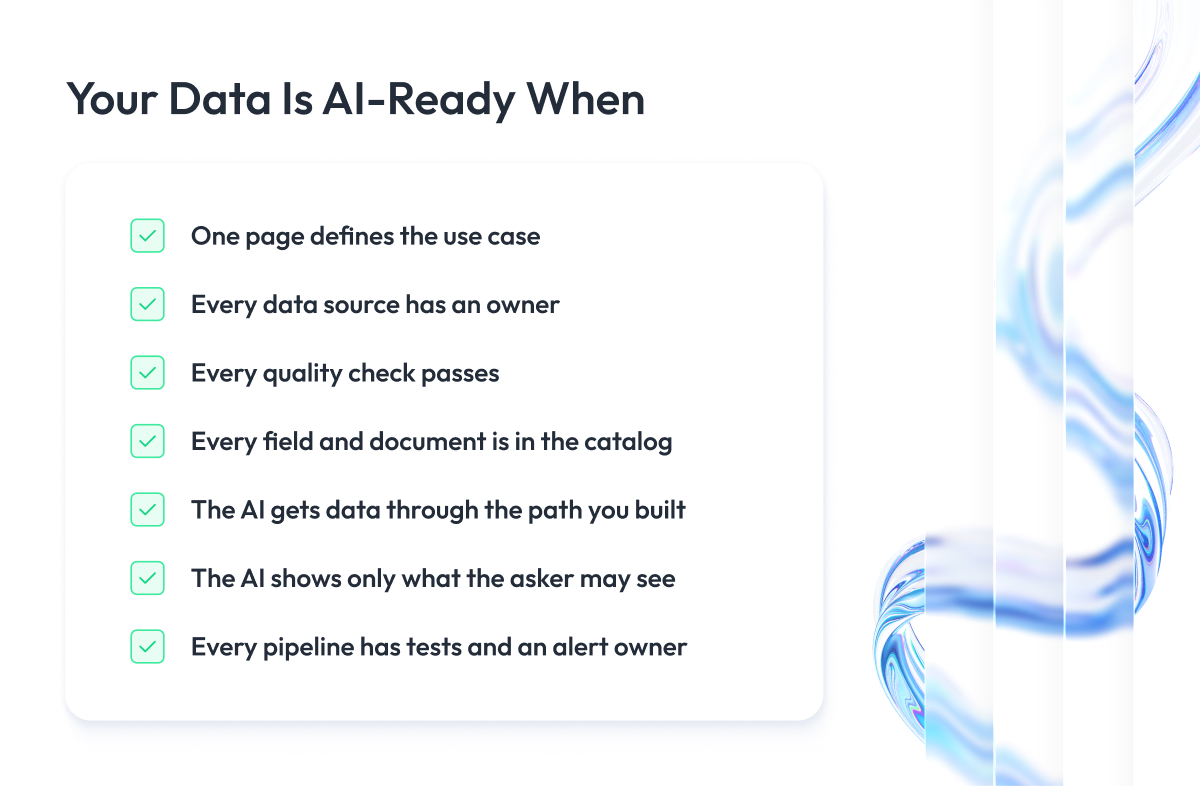
How do you know when your data is AI-ready? You are ready when you have the output of every step in hand and the AI can use the data for your use case without a person stepping in to fix or explain anything.
Use this checklist. If you can answer yes to every row, start the project.
| Step | Check |
| 1. Define the use case | You have one page that says what the AI does, who uses it, and how wrong it may be |
| 2. Inventory sources | You know where every piece of data lives and who owns it |
| 3. Fix quality | Every quality check you wrote has a pass mark, and the data passes |
| 4. Document meaning | Every field and document your use case uses has a description in the catalog |
| 5. Prepare data | The AI already gets data through the feature store, vector store, or APIs you set up |
| 6. Set access rules | You tested that the AI shows only what the asker is allowed to see |
| 7. Automate monitoring | Tests run on every pipeline, and a named person gets the alerts |
If you want a formal score instead of a yes-or-no checklist, our article on data readiness assessment shows how to grade each attribute and where the passing bar sits.
Stop when the checklist is done. Data changes every day, so fully ready data does not exist, and teams that wait for it launch nothing. Ship the first use case, learn from how people use it, and let the second project raise the bar.
You are over-investing if you document tables no current project uses, or if you build a feature store and a vector store before you have one working use case for either. Build what the first project needs, and let the next project pay for the rest.
Common Mistakes When Making Your Data AI-Ready
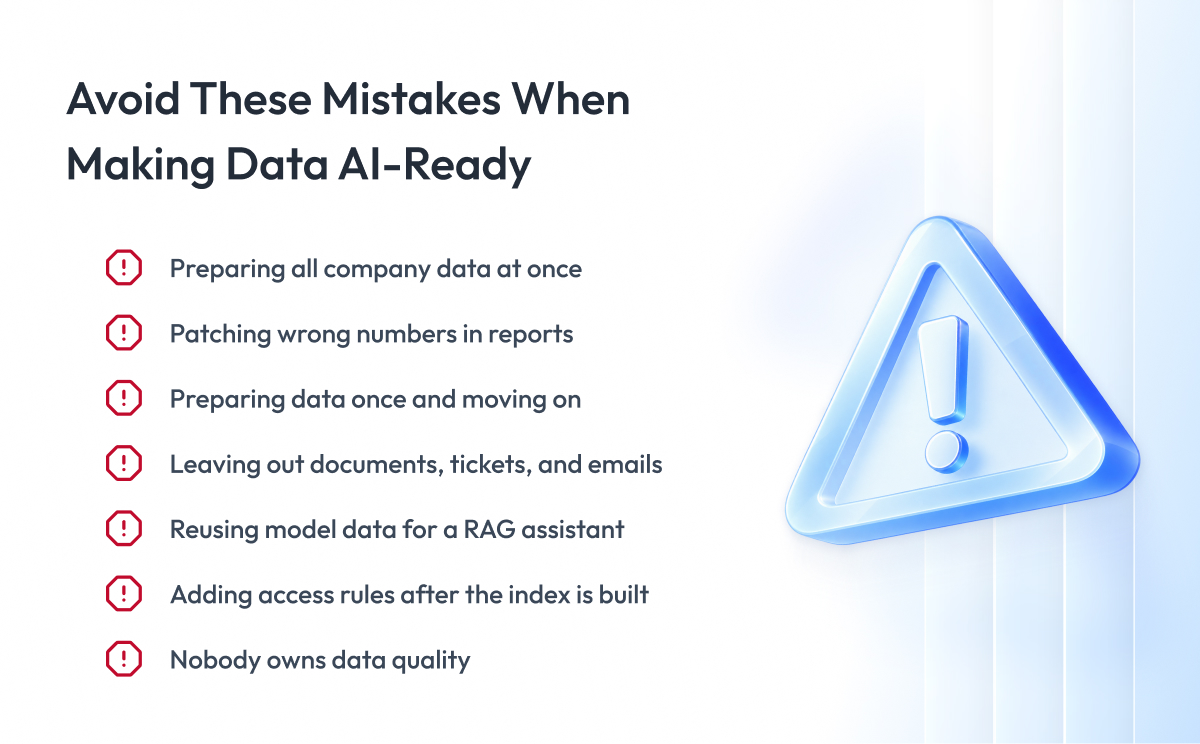
These are the mistakes we see most often with enterprise data teams. Each one stalls an AI project for months, and each one has a simple fix.
| Mistake | What Happens | Fix |
| Trying to prepare all company data at once | Months pass and no project launches | Prepare only the data your first use case needs |
| Patching wrong numbers in reports | The AI reads the pipeline and keeps the error | Fix the error in the source system or the pipeline |
| Preparing the data once and moving on | Data changes, the AI degrades, nobody notices | Set up the automated checks from Step 7 |
| Leaving out documents, tickets, and emails | The RAG assistant knows half of what the company knows | Add unstructured sources to the inventory in Step 2 |
| Reusing model data for a RAG assistant | The assistant gives wrong answers from data built for another job | Follow the branch for your workload in Step 5 |
| Adding access rules after the index is built | The AI shows data to people who may not see it | Attach permissions before you index or expose data |
| Nobody owns data quality | Every question turns into a week-long investigation | Name one owner per dataset |
Two of these deserve a closer look because they cost the most.
The first is patching wrong numbers in reports. When a dashboard shows a wrong figure, teams often fix it in the report or in a spreadsheet on top. The AI never sees that fix. It reads the pipeline, so the error stays in every prediction and every answer until you fix it at the source.
The second is adding access rules after the index is built. Once documents are chunked and embedded, the connection to their original access rights is gone unless you stored it on purpose. Rebuilding an index with permissions attached takes about as long as building it the first time, so do it once, in the right order.
When You May Need an Engineering Partner
Look at the seven steps again and notice what kind of work they are. Steps 2, 5, 6, and 7 are data engineering: connecting sources, building pipelines, setting up a feature store or a vector index, exposing APIs, attaching permissions, and writing monitoring.
Steps 1, 3, and 4 are decisions your business has to make, because nobody outside the company can say what “active customer” means or how wrong a forecast may be.
That split tells you where a partner helps. If your team knows the business but has never built a pipeline that raises an alert when a source changes, or never filtered a vector search by user rights, that is where outside engineers save the most time.
If your team can build all of that but nobody owns the definitions, a partner will not fix it.
We have done the engineering side for enterprise clients many times. For a Fortune 500 company, we built a big data analytics platform that replaced scattered systems with one cloud platform, which is Steps 2 and 5 at scale. Our AI and ML services cover the workload-specific parts, from feature stores to RAG pipelines and agent frameworks.
The decisions stay with you. The pipelines, the indexes, the APIs, and the monitoring are where we do our work.
Final Word
Making your data AI-ready takes work that nobody sees in the demo. You have to write down what a use case needs, find every source and its owner, check labels by hand, document fields that lived in people’s heads for years, and test that the AI shows people only what they may see.
But this work is what separates the AI projects that reach production from the ones that stay pilots. Most of what you prepare for the first use case carries over to the next one, so the second project moves much faster than the first.
Pick one use case this week, walk it through the seven steps, and collect the seven outputs. Once you have all seven, you are ready to start the project.
And if you want an experienced engineering team beside you, we are ready to review your first use case, look at your data, and help you decide which steps you can skip and which ones you cannot.
Questions You May Have
What does it mean to make data AI-ready?
It means preparing data so a specific AI workload can use it without a person filling in the gaps, which covers correct values, written definitions, the right freshness, a traceable source, and access rules that hold when the AI runs.
Is data that is ready for ML also ready for RAG?
No, because a prediction model needs labeled history and stable features, while a RAG assistant needs documents converted to text, split into searchable chunks, tagged with their source and access rights, and kept current.
How do you prepare unstructured data for AI?
Extract the text, remove old versions and duplicates, split it into chunks that each hold one complete idea, tag each chunk with its source, date, and permissions, and store the result in a vector store where you test the search before you test the answers.
How long does it take to make data AI-ready?
For one well-defined use case, it usually takes weeks, because you prepare only the sources that the use case depends on instead of the whole company’s data.
Do you need a data catalog to be AI-ready?
You need written definitions of every field and document your AI uses, and a catalog is the standard place to keep them, although a shared spreadsheet is enough for a first project.
How do you know when your data is AI-ready?
You are ready when you have the output of each of the seven steps in hand and the AI can use the data for your use case without anyone stepping in to fix or explain it.
What is the difference between data quality and AI readiness?
Data quality means people can trust the numbers, while AI readiness also requires the meaning, freshness, and lineage a machine needs to use the data with no human in the loop.